react-heart
 React-Heart
An SVG based, animated and customizable heart button
[](https://github.com/matthewgferrari/react-heart/blob/main/LICENSE) [](https://www.npmjs.com/package/react-heart) [](https://github.com/matthewgferrari/react-heart/blob/main/src)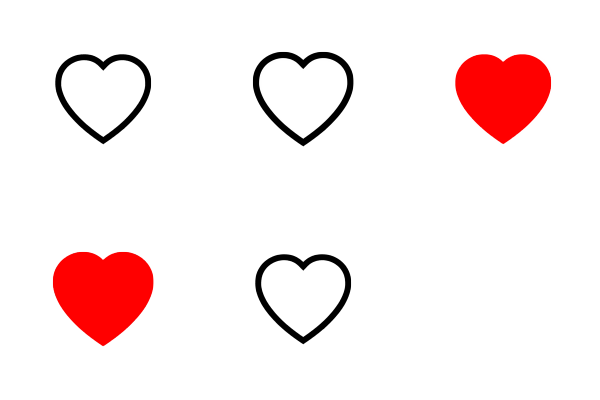
Demo
Installation
React-Heart is available as an npm package.
// with npm
npm install react-heart
Usage
import React, { useState } from "react"
import Heart from "react-heart"

function App() {
	const [active, setActive] = useState(false)
	return (
		<div style=>
			<Heart isActive={active} onClick={() => setActive(!active)}/>
		</div>
	);
}
Props
Name | Type | Required? | Default | Description —–|——|———|———|——— isActive | bool| required| N/A | Current heart status onClick| function| required| N/A| Heart was clicked callback animationTrigger | ‘none’ | ‘click’ | ‘hover’ | ‘both’ | optional | ‘click’| Action that triggers animation animationScale| number|optional|1.05|Scale of animation animationDuration| number|optional|0.05|Length of animation inactiveColor | string|optional|’black’|Color of inactive heart activeColor|string|optional |’red’| Color of active heart className |string |optional | N/A| Class name to apply custom CSS style|object|optional |N/A| Style object
Example
import React, { useState } from "react"
import Heart from "react-heart"

function App() {
	const [active, setActive] = useState(false)
	return (
		<div style=>
			<Heart isActive={active} onClick={() => setActive(!active)} animationTrigger = "both" inactiveColor = "rgba(255,125,125,.75)" activeColor = "#e019ae" style =  animationDuration = {0.1}/>
		</div>
	);
}